Focused navigation
The omnibox handles addresses and searches in one place so every action starts from a single, familiar field.
Desktop browsing, refined for the dark
Built around lightweight tabs, a focused address bar, and quick access to settings, bookmarks, downloads, and history, Finowser gives everyday browsing a cleaner rhythm.
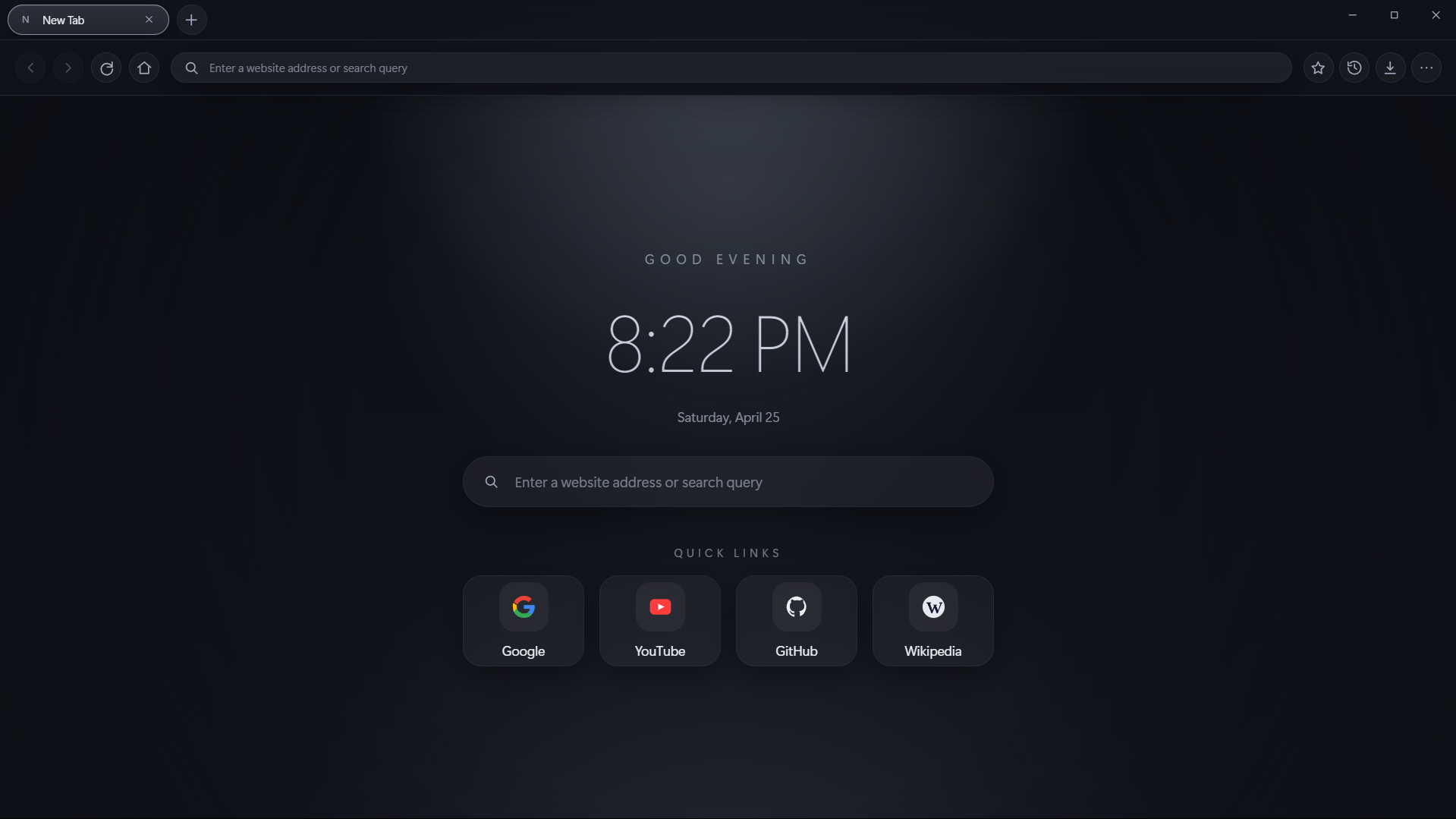
Keep the flow going with familiar shortcuts and a clean tab strip.
Search engine, language, and theme controls stay one click away.
Features
The omnibox handles addresses and searches in one place so every action starts from a single, familiar field.
Create, pin, restore, and move through tabs quickly with mouse gestures and keyboard shortcuts.
Bookmarks, history, downloads, and settings open as supporting panels instead of taking over your browsing space.
Finowser leans into layered shadows, cool gradients, and low-glare contrast for a sleek desktop presence.
Tour
Use the top tab bar to open new tabs, switch between pages, and double-click a tab to pin it for quick access.
Type a website address or a search term into the address bar. Finowser routes you straight to the page or your preferred search engine.
Tap the star, history, download, and menu buttons to reach bookmarks, history, downloads, and settings without leaving the current tab.
Change the default search engine, interface theme, and language from the settings panel to shape the browser around your flow.
Shortcuts
Ctrl/Cmd + T
Open a new tab
Ctrl/Cmd + L
Jump to the address bar
Ctrl/Cmd + W
Close the current tab
Alt + Left / Right
Go back or forward
Get Finowser
Use the Windows build for seamless browser experience.
Latest version: checking...
Download Finowser for Windows